How to Write Email Subject Lines
A good email subject line gives the right reader an honest reason to look. Write it alongside preview text that adds information, keep the identifying idea early, and check that the body delivers the promise. Compare distinct message angles, then judge tests against the email's purpose and the limits of open tracking.
By the end of this lesson
Draft subject-and-preview alternatives, check their promise against the message, and define a useful comparison with appropriate measurement limits.
At her desk the afternoon before a launch, Odile types "One small thing…" into the subject field and looks at it for a long minute. It could be a tip. It could just as easily be a sales pitch dressed up as a favour.
Odile is invented, and so is Larkspool Notes, the little planning-template shop she runs. Tomorrow she's launching a printable weekly planner with one space for appointments and another for tasks that don't have a time. The email's only job is to send interested subscribers to a sample page.
Draft the pair after you know the message
Odile finished the sample page and the email body before she touched the subject field. If you start with the subject, you can spend an afternoon inventing a promise the product can't keep.
Her first honest pair is "A weekly planner with room for loose tasks," with the preview "Preview the page before you print it." She can check both claims against the sample page.
Litmus separates inbox preview text from a visible preheader inside the email. Send yourself a test to see which text sits beside the subject and which appears once the message opens.
Check what the sample page must contain
Subject promise
- Separate space for tasks without a fixed time
Preview promise
- A sample page available before purchase
Destination check
- Open the sample and find both planning areas. Confirm that viewing it requires no purchase.
Odile also considers leading with errands that don't fit a calendar. That line guesses her subscribers have tasks without a fixed time. Before she leads with it, she'd want to see some of them describe that problem in their own replies.
Which subject line pattern fits your information?
A pattern gives the reader something concrete to recognise. "Separate appointments from tasks" points to the layout Odile can show on her sample page.
Try different kinds of reasons before you fiddle with wording. A product detail and a question the email answers are two angles worth comparing. The headline-writing process shows how to generate several before you choose.
Six pairs for different Larkspool emails
Concrete benefit
Subject: Keep errands out of your appointment slots. Preview: A weekly page with two separate planning areas.
Use it when the layout solves a planning problem readers already know.
Answer to a planning question
Subject: Where do tasks without a time go? Preview: One way to plan the work that does not fit a calendar.
The body should answer the question quickly.
Specific new thing
Subject: The weekly planner now comes in A5. Preview: Check the sample and print settings before buying.
A format update matters most to the people who need that format.
Show more
Demonstration
Subject: A crowded week, laid out on one page. Preview: See how the appointment and task sections work together.
Promise an example they can see, and leave outcomes out of it.
Real closing date
Subject: Planner launch pricing ends Sunday. Preview: The price returns to $12 at 11:59 p.m. Eastern.
Only for a deadline that's real and enforced, with an accurate price.
Requested resource
Subject: Your weekly planner sample. Preview: Download the page and check which paper size you need.
When you're delivering something, being recognisable can matter more than surprise.
Each of those belongs to a different email. Tomorrow's offers a sample, so Odile sets aside the price deadline and the format announcement. The lesson on promotional emails covers how a campaign's emails can follow each other.
Make the beginning survive a short display
You can't choose how much of a subject each inbox will show. Litmus describes displays that change with the email client and the reader's own settings.
So put the identifying idea first. "A5 planner samples are ready" survives being cut off. "Because so many of you have been asking, we are excited to announce" is gone before it says anything.
Mailchimp recommends no more than nine words and 60 characters, and no more than one emoji at a time. Its research team bases that on open rates in emails sent through Mailchimp, so treat the numbers as a drafting limit with no promise attached.
Then read the pair at a few cut points. Stop after four words, then after seven, and ask whether the fragment suggests something false. "Your free planner expires…" could make someone think the file stops working, when only a discount ends.
Use curiosity with a visible subject
I'd keep "planner" in Odile's subject so subscribers can judge whether they want to look. The sample shows where tasks without a time go, so subscribers can see whether that layout would help them.
I think the lowercase "quick question" subject is overrated for an email that goes to a whole list. It borrows the tone of a personal note and hides the topic. If Odile really wants answers, she should ask something specific and send replies to an inbox someone reads.
Personalisation needs the same care. A real format preference can change the offer: "Your A5 planner sample is ready." A first name dropped in by a merge tag only changes the wrapping, so test what happens when the field is empty.
A subscription record doesn't tell Odile whether someone has a "chaotic week," so I'd leave that diagnosis out. Curiosity gaps without clickbait goes further into how much to reveal.
Test the question you actually want answered
Odile wants to know which angle brings people to the sample page. She can compare two subjects while keeping the preview, the body and the send time the same. If she changes the subject and preview together, she's testing the pair, and the subject shouldn't get all the credit.
Opens are a weak signal. Apple says Mail Privacy Protection downloads remote content in the background "regardless of whether you engage with the email." A tracking pixel can load when nobody has read a word, so I wouldn't pick this launch's subject on recorded opens.


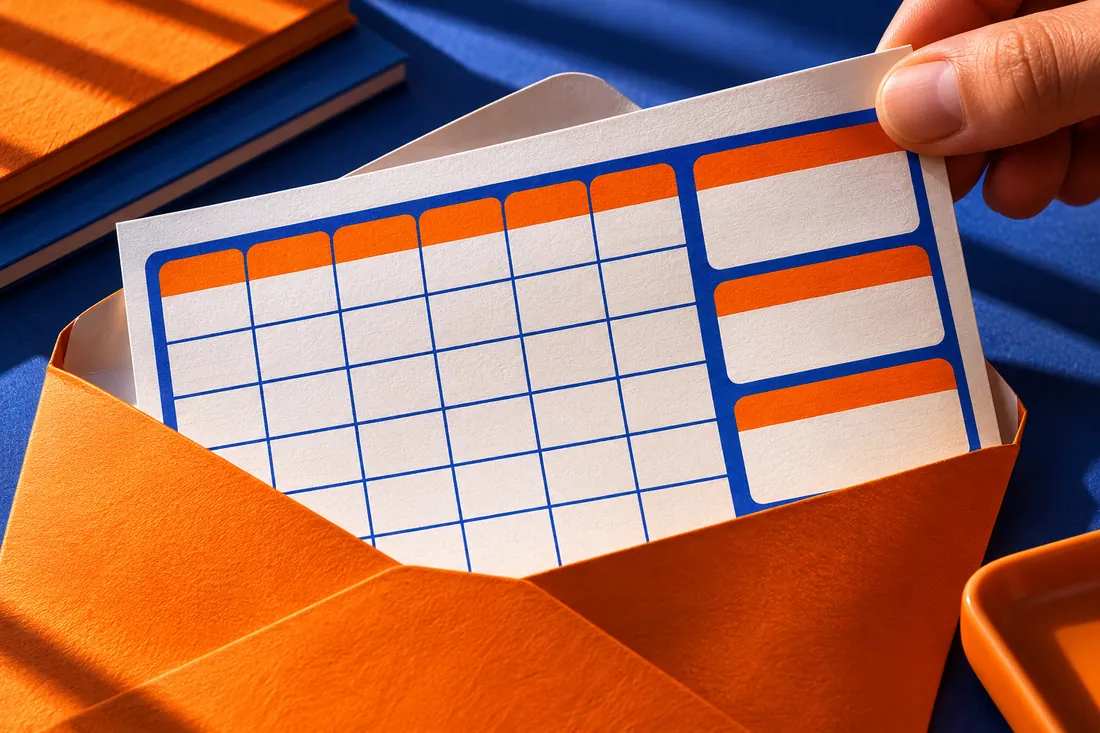

Check the platform's traffic filters before interpreting a click as a visit.
Inspect a recorded click before counting it
Suppose Odile's report shows a sample-link click a second after delivery. She checks whether her platform flags automated traffic before counting it as a visit, and she filters both test groups the same way.
For this test, Odile measures sample-page visits per delivered email, applying the same automated-traffic filter to both groups. She also watches unsubscribes in case either version gets attention at a cost.
Assign recipients at random and set the observation window before sending, then let it run through that window. The copy-testing lesson covers sample size and uncertainty. On a small list, asking a few readers what they expect from each subject may teach you more.
Odile's test, written down before the send
- 1Question: does a product-led subject or an errand-led subject bring more sample-page visits?
- 2A: A weekly planner with room for loose tasks.
- 3B: Keep errands out of your appointment slots.
- 4Keep the preview and message the same, and assign eligible recipients at random.
- 5Set the observation window and the decision rule before sending.
- 6Record delivered counts and filtered sample-page visits, along with the uncertainty. A small or noisy gap can stay inconclusive.
Check the subject against the actual opening
Before she schedules the send, Odile reads the subject, the preview and the first paragraph aloud with the design stripped away. If the subject promises a sample and the opening spends two paragraphs on the shop's anniversary, the sample moves up.
Then she sends a real test to her own inbox. She checks that the preview hasn't pulled in stray footer text, opens the email with images off and follows the sample link. Email opening lines picks up the edit inside the message.
Pair six subjects with their previews
Pick an email you can actually send, and keep its destination page open so you can check each promise as you write. The Email collection covers the message around the subject.
Build the worksheet
Record
Note who it's for, where the link goes and what information you've promised.
Draft
Write six subject-and-preview pairs, spread across a few different message angles.
Check
Check every claim before you shorten your two strongest pairs.
Define
Write down what you'd measure and for how long, or plan a comprehension check if the list is too small for a real experiment.
Keep your two strongest pairs beside the question that comparing them would answer.
Odile chooses the product-led subject for tomorrow's send. She can show the separate task space on the page, while the errand-led alternative assumes a planning problem her subscribers haven't yet described. She leaves the errand-led version in drafts until subscriber replies support that angle.
The final subject is "A weekly planner with room for loose tasks." Its preview reads "Preview the page before you print it."
She shows that pair to a reader and asks what they'd expect to receive. "A sample page showing appointments and untimed tasks," they say. Before scheduling the send, she opens the sample and checks that both spaces are visible without a purchase.
Read next

Lesson 2 of 7 in Email
Sources & further reading
- The Ultimate Guide to Email Preview Text
- Best Practices for Email Subject Lines
- Mail Privacy Protection & Privacy