Promotional and Sales Email Copywriting
A promotional email campaign gives each message a distinct reason to arrive while keeping the offer consistent. Confirm the terms first, then plan sends that help readers judge the purchase. Make deadlines truthful, count overlapping automations, and exclude people whose circumstances have changed. Evaluate the whole sequence alongside unsubscribes and complaints.
By the end of this lesson
Create a promotional campaign sheet with distinct message goals, consistent offer details, audience exclusions, truthful urgency, and practical stop rules.
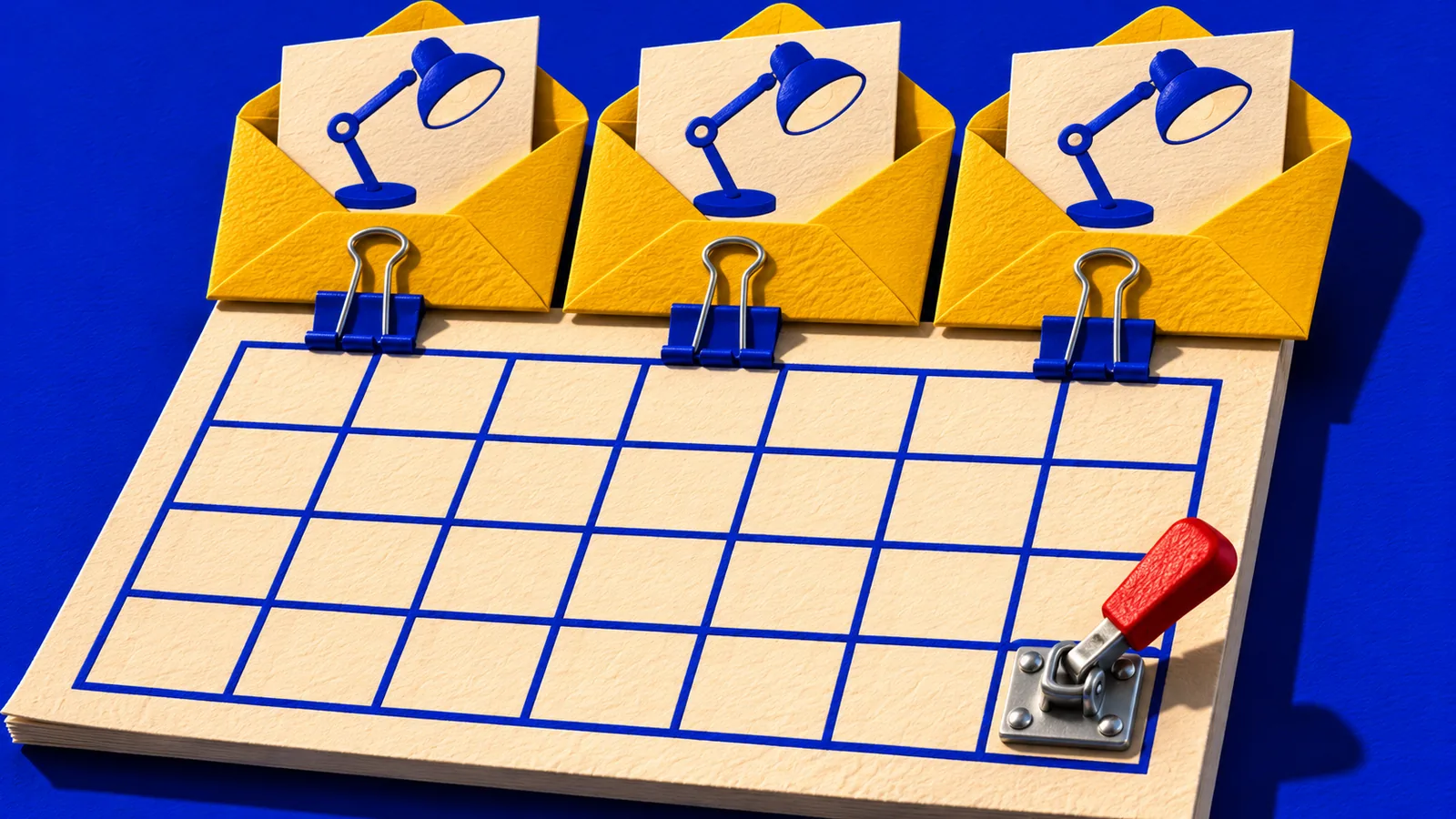
Tamsin signed up to her own mailing list with a spare address the week before launch, just to see what a new subscriber would get. By Sunday morning, November 15, that test inbox holds four emails from Copperwren Print School. She only remembers planning one of them.
Copperwren is a printmaking school I've made up for this lesson. Tamsin teaches its live online workshops, and she, the class, its dates, its price and every sample message are invented too.
The launch is for a two-hour beginner class on November 21, 2026, starting at 1 p.m. Eastern Time. Registration closes November 18 at 5 p.m. Eastern Time, because that evening the preparation instructions go out to the final list.
The November 11 launch landed beside a welcome-series email the same day. The weekly newsletter followed on November 13, and a gift-card promotion someone had scheduled months ago arrived on November 14.
A follow-up can answer a question someone still has about the offer. Give it a specific job before adding it to the calendar. The Email cluster covers individual messages.
Make the offer stable before writing the sequence
Before the November 11 launch, Tamsin built one offer record that every email and the registration page could follow. It held the price, the format, what's included, the cancellation terms and the real deadline.
If those facts keep shifting during drafting, the emails will end up contradicting each other. So every unresolved fact gets an owner who can confirm it.

The class costs $65, and students bring the tools on a published list. Leaving that list out while leaning on the low price would make the offer easier to click and harder to judge honestly.
The hypothetical Copperwren offer record
Offer
- a two-hour live beginner printmaking workshop on November 21, 2026, at 1 p.m. Eastern Time.
Price
- $65; students supply the tools listed on the registration page.
Access
- live attendance plus a recording for seven days.
Registration closes
- November 18, 2026, at 5 p.m. Eastern Time.
Reason for the deadline
- preparation instructions go to the final attendee list that evening.
Before release
- confirm tools, accessibility arrangements, cancellation terms, and every destination.
Nobody should paste that record into every email. Each message carries the facts that make its invitation understandable, and the registration page carries the full terms.
Copyhackers' sales-email training treats the click and its destination as part of the selling job. That habit keeps each email tied to its page. If you're still unsure what the customer is buying, settle it in the offer lesson before you schedule anything.
Build a sequence of reasons to consider the offer
Tamsin writes a buyer question beside each planned send. A message earns its slot when it helps someone decide something the previous email couldn't.
A hypothetical three-send launch plan
Introduce the class
Explain what students will make, who the workshop suits, the price, and the tools requirement. Invite a visit to the registration page.
Help readers judge fit
Show the starter tools and explain what beginners can expect. Answer a real pre-purchase question without inventing student testimonials.
State the closing decision
Give the exact 5 p.m. Eastern Time cutoff, its reason, and the next step. Send only while registration remains open.
Three sends is just the choice for this example. A smaller list that already gets plenty of other mail may need fewer.
Watch for a plan where each email has a mood and no job. A calendar that reads "excitement, more excitement, fear of missing out" names nothing the reader needs to know.
For the fit email, Tamsin photographs the required tools and checks which substitutions she can demonstrate in class. Now the follow-up answers the question a hesitant beginner actually has, which is whether they can afford to take part.
Write each email so it can stand alone
A subscriber may encounter the second email first. "As we told you yesterday" spends space on a message they may never have opened. Name the class briefly in every send, then get to this email's reason for being there.
Here's a hypothetical launch email, assuming every offer detail has been confirmed. A real version also needs the sender details, the subscription footer and a working destination for the button.
Subject: Beginner printmaking, live on November 21
Preview: A two-hour class, a small first project, and a tool list to check.
Make your first small print with us on November 21 at 1 p.m. Eastern Time. Our live online beginner workshop walks through preparing a simple design, making a block and pulling a print.
The two-hour class costs $65. You'll bring your own tools, so check the list before booking to see whether the project fits your budget and setup. Registrants can watch the recording for seven days afterward.
Button: See the class and tool list
Registration closes November 18 at 5 p.m. Eastern Time, so we can send preparation instructions to the final class list.
The fit email helps someone check the required equipment. The final reminder gives them the closing time.
Two more sends for the same workshop
Fit email
Before you book, take a look at the tools we'll use.
Then explain which items are essential, show an accurate photo, and point to the full list. Mention an alternative tool only after the instructor confirms it.
Final reminder
Registration for November 21's beginner workshop closes today, November 18, at 5 p.m. Eastern Time. The class is $65, and you'll need the tools on the registration page. If you'd like to join, review the details and book before we finalize the preparation list.
It can be shorter because its new information is the approaching cutoff.
Make deadlines accurate across the whole campaign
At 5 p.m. on November 18, registration has to actually close. If the class sells out earlier, a queued "book your place" email becomes false, so Tamsin needs a way to pause it the moment that happens.
A waitlist invitation would be a different email with its own destination. Leaving the booking button in place and hoping the landing page explains things puts the correction in the wrong spot.
The FTC's dark-patterns report describes false scarcity and baseless countdown timers as manipulative. Use the scarcity and urgency lesson to check whether the business can substantiate the deadline or availability claim in your reminder.
If a deadline moves, say so plainly and update every page and email. Someone returning from an earlier message should be able to see why the terms changed.
How many messages could one person receive?
The four messages in Tamsin's test inbox each had an owner, and nobody owned the combined schedule. So she puts every automation that could reach the launch audience on one calendar, along with the rule that decides who gets it.
Klaviyo's help page on Smart Sending describes a default 16-hour window for email. It says skipped messages aren't rescheduled automatically.
Check the window configured in your account and which messages it applies to. Choose your campaign's timing from the work each email needs to do and the other mail those subscribers receive.
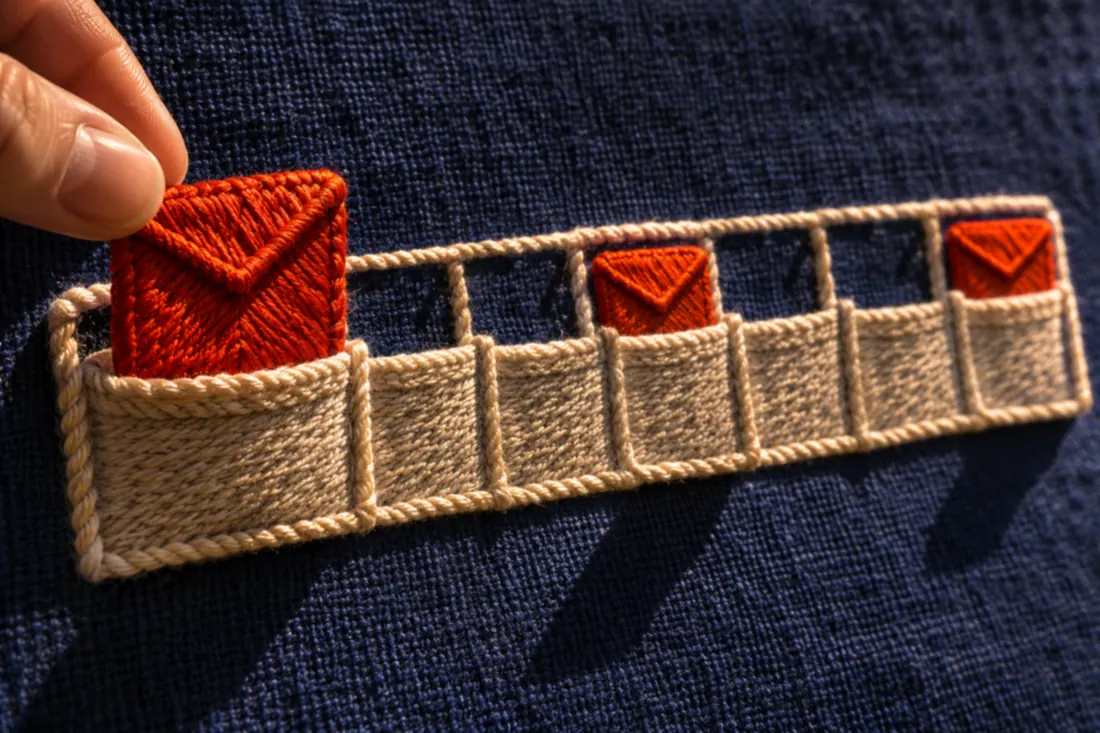



Repeat the audience check after the final reminder is queued.
The subscriber receives the combined calendar
Test the audience rules with two addresses: one subscriber who has booked and one who has yet to book. Inspect the queued messages for both after a purchase changes their status.
Tamsin can't retrieve the messages already sent. She asks the campaign owner to suppress the November 20 newsletter for this audience and move a queued November 17 gift-card follow-up to November 24. People who book leave the purchase sequence and get attendee instructions instead.
Then she checks that the system really does this. A rule written in the brief won't exclude anyone until someone builds it.
Before each hypothetical launch send
- The workshop is still available at the advertised price and time.
- People who already booked are excluded from further purchase requests.
- The deadline and time zone match the registration page.
- Other scheduled messages have been reviewed for audience overlap.
- Frequency rules will not silently discard an essential promised resource.
- The owner knows who will pause the campaign if the offer changes.
Evaluate the sequence beyond its busiest email
Compare completed registrations with the campaign's costs. Check cancellations too. Read unsubscribes and complaints across the same days, so a good sales total can't hide damage to the list.
Be careful with open rates. Apple says Mail Privacy Protection can load remote content in the background whether or not someone engages. A recorded pixel event can't prove anyone read Tamsin's invitation, so don't branch a campaign on "didn't open" as if it measured interest.
If the list is big enough for a real experiment, compare the planned sequence with a randomized alternative. Keep the offer and eligibility the same, and fix the purchase window before sending. The copy testing lesson explains why an unclear result should stay unclear.
Give each send a separate purpose
On Sunday afternoon, with the fit email due to go out, Tamsin opens the corrected calendar. The November 20 newsletter is suppressed for the launch audience. The gift-card follow-up now sits on November 24.
Next to the two remaining sends she has written one question each: can I manage the tools, and is it too late?
Then she books the class from her test address. She watches the November 18 reminder drop out of that address's queue, and the scheduled preparation email take its place.
Read next
Lesson 5 of 7 in Email
Sources & further reading
- This Is How to Write Emails That Sell
- Understanding Smart Sending in Klaviyo
- Bringing Dark Patterns to Light
- Mail Privacy Protection & Privacy