Headlines
10 Types of Copywriting Hooks
Hook types give you different reasons to invite attention, from a recognizable problem to a demonstration. Choose a type that fits the audience's situation and the facts you have. Draft the next sentence or scene with it, checking that the continuation develops the same promise in the intended placement.
By the end of this lesson
Choose a hook type using audience context and available evidence, then draft an opening and continuation without adding unsupported claims.
At her kitchen table, Sunniva has two unfinished assignments for Spoonsprig Notes: a product listing and a teaching email. A sticky note on her laptop lists twenty hook names. Four seem to tell her to "say something surprising."
We'll follow this invented writer as she chooses openings for an invented printable dinner planner. It has six dinner slots beside a use-first ingredient list, plus a shopping list. You fill it in yourself; it doesn't supply recipes or track food automatically.
The ten types below offer different ways into those assignments. Each sample includes a continuation so you can judge what the reader gets after the opening earns their attention.
The categories overlap: a question can express a problem, and a demonstration can reveal a benefit. How to write hooks covers the selection process. Here, you'll compare the material each type needs before choosing one.
1. The problem-recognition hook
The ingredients for dinner are here. The plan isn't.
Start with the use-first list, then assign those ingredients to this week's dinner slots.
Sunniva could use this for readers who have ingredients and still need to decide what to cook. The continuation gives them a first task on the sheet. For someone looking for recipes, it would lead toward an offer that can't supply what they want.
Keep the problem at the scale of the scene: ingredients waiting for a plan. "Dinner is ruining your life" would turn an everyday decision into a much heavier promise before the reader reaches the sheet.
2. The direct-benefit hook
Put this week's dinners and shopping list on one printable sheet.
Use six dinner slots beside a use-first list, so the plan and the ingredients stay together.
Sunniva pastes this above the listing preview, replacing her opening advice about choosing ingredients. Reading the draft again, she reaches the product description sooner. She keeps this version while checking whether the six-slot fact would make a clearer introduction.
Put this line above a preview where the dinner slots and shopping list are visible together. Benefit-driven headlines can help you turn that layout detail into a promise the reader can inspect.
3. The diagnostic-question hook
Which ingredients need a place in dinner before you buy more?
Check the fridge, write those ingredients in the use-first column, and plan around what you find.
Sunniva puts this in the teaching-email draft and tries its first instruction. She gets up to inspect the fridge, leaving the planner preview on her laptop. She keeps the question for now, then looks for a task a reader could begin beside the email.
"Why do you keep wasting food?" would assume behavior we haven't established. Keep the question close to something the reader can inspect for themselves.
4. The counterintuitive hook
Start your dinner plan before looking for another recipe.
First list the ingredients you want to use. Then choose recipes that give those ingredients somewhere to go.
This gives Sunniva a teaching angle if her audience usually starts by browsing recipes. The continuation explains the proposed change in order. Check that the audience has that habit before treating the reversal as surprising.
For the listing, she'd have to explain the planner after giving the advice. That adds a step between the opening and the product details a shopper came to inspect.
A contrarian hook with a first step
Drama without direction
Stop planning meals. You're doing it all wrong.
A specific change in sequence
Before choosing six dinners, list the ingredients you want to use first.
The revised line gives the reader a different first step and leaves the rest of their routine alone.
5. The demonstration hook
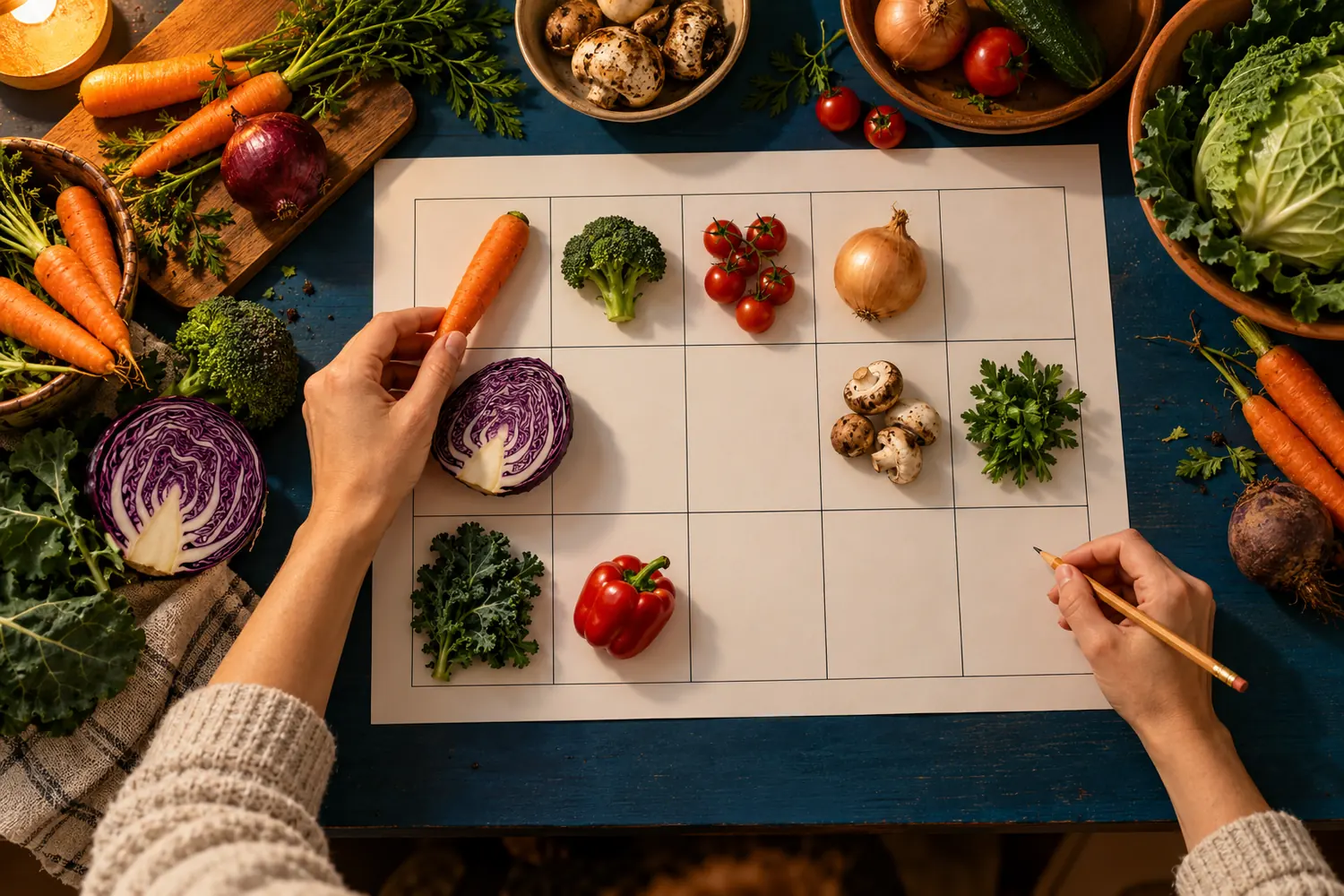
Show three carrots and half a cabbage alongside the blank planner. Write them in the use-first column, then add a dinner idea to the first slot.
Spoken line: Start the plan with what is already here.
Sunniva would need a camera or a sequence of photographs to use this version. The viewer should see a person choose the dinner idea and write it down. Otherwise, the presentation could imply that the sheet performs those steps automatically.
Try the sequence with the actual product before filming. If the column labels are too small to read on a phone, use a closer shot at the point where the ingredient is entered.
6. The small-story hook
Imagine opening the fridge after shopping and finding the cabbage you meant to use yesterday.
Put that ingredient on the use-first list before you plan the next trip.
The cabbage gives Sunniva a possible email opening, with a specific ingredient to carry into the first task. Keep it in the continuation: an opening about a forgotten cabbage would feel abandoned if the next line jumped to a shopping-list feature.
Keep "Imagine" if this scene moves into a campaign. If you have a real account to adapt, Storytelling in copywriting explains how to check it and obtain any required permission.
7. The specific-fact hook
Six dinner slots. One space left for a change of plans.
The printable leaves one night unassigned; decide whether that suits your week before filling it in.
Sunniva checks the preview and counts six slots. The hook makes a visible layout choice the reason to inspect the planner. Keep the number close to the preview so the reader can see where the unassigned night comes from.
The FTC's small-business advertising FAQ says advertisers must "have proof before the ad runs." That's US guidance. For this draft, the relevant check is simple: count the slots in the file the buyer will actually receive.
8. The objection-first hook
Will I have to set up another app just to plan dinner?
Print the sheet and fill it in by hand. There is no app to install.
The question voices a reason to hesitate: setup work before the reader can begin. Sunniva can show that the product works on paper. Choose this opening when customer research identifies app setup as a barrier; otherwise, lead with the contents a shopper needs to understand.
On the listing, she could keep "Print and fill in by hand" beside the file preview without making app avoidance the opening argument.
Two drafts Sunniva leaves out
Unverified result
Save $40 on next week's groceries.
The planner preview supplies no spending evidence. Remove the amount before considering this draft.
A task the product cannot perform
Let the planner choose dinner for you.
The user chooses the meals. Replace this claim with a visible manual step.
9. The comparison hook
A recipe collection gives you options. This sheet gives those options a place in the week.
Choose your own recipes, assign six dinners, and build the shopping list next to them.
Sunniva considers this for readers who already save recipes and wonder why they'd need another tool. The continuation explains where their existing recipes would go on the sheet. You can illustrate the distinction by putting a recipe collection alongside a filled-in planner.
Keep both sides of the comparison recognizable. Show a reader selecting a recipe, then entering its name in a dinner slot. That makes the separate jobs visible without pretending the reader's existing collection has failed them.
10. The small-invitation hook
Choose one dinner you already know how to cook.
Put it in the first slot. Use that meal's ingredients to begin the shopping list.
Sunniva replaces the fridge question with this invitation and tries it beside the preview. She writes a familiar dinner in the first slot without leaving the table. That gives her the immediate start she wanted for this email.
Check what the recipient can access. If the printable is behind a purchase, supply a preview they can use or explain the offer before asking them to fill anything in.



Keep the preview directly below the email instruction.
Different hook types need different material
Review the preview as a recipient: can you find the first dinner slot without instructions from Sunniva? Ask someone to point to it, then try the proposed email task. Record where they pause before choosing the opening.
The first task needs a visible place on the sheet where the reader can carry it out.
How do you choose a hook?
Sunniva now has two candidates for each assignment. The listing needs to explain the download, so she compares the direct benefit with the six-slot fact. The email needs an action a reader can try, so she compares the diagnostic question with the small invitation.
Copyhackers' formula collection recommends grounding reusable constructions in research. These categories are an editorial reference, with no ranking of effectiveness. For Sunniva, the assignment decides which pair to compare: identify the download on the listing and begin a task in the email.
Start with the job of the placement
Does this placement need to identify the offer before asking for action?
YesCompare a direct benefit, specific fact or demonstration using verified product details.
NoIf the job is to begin a task, compare a question or invitation the reader can act on here; use an objection or comparison when research identifies that barrier.
Sunniva places the six-slot fact above the listing preview, then switches back to the direct benefit: only that draft names the printable sheet and shopping list. She moves the slot count into the product details.
For the email, she chooses the invitation to enter one familiar dinner. She can put the preview directly below it, giving the recipient somewhere to carry out the task. The diagnostic question stays available for a later tutorial that begins at the fridge.
Before a catalogue example becomes your copy
- Replace every product detail with a fact you can verify.
- Keep imagined scenes labeled and never turn them into testimonials.
- Write the next sentence or shot so the opening develops an idea.
- Check the whole sequence in the placement where people will see it.
For the demonstration option in section 5, use a short-video ad script to plan the visible action and dialogue. Sunniva's listing and email drafts each need only the opening and continuation you'll practise below.
Try three openings for one assignment
Take one product and choose three hook types its evidence supports. Draft each with a continuation in the intended placement, then check what the reader would need to do or believe next. Keep the version whose next step the product can actually deliver.
Use Headlines if the chosen opening needs more development. Before closing the assignment, attach the product evidence and keep the unused drafts with their reasons for rejection.
Sunniva replaces the sticky note with her two finished openings: the printable-sheet benefit for the listing and the familiar-dinner invitation for the email. She places the planner preview below the invitation, with the first dinner slot visible for the reader to use.
Read next
Lesson 6 of 7 in Headlines
Sources & further reading
- Headlines
- Every Copywriting Formula Ever (or The Ultimate Guide to No-Pain Copywriting)
- Advertising FAQ's: A Guide for Small Business