Advertising
TikTok and Short-Form Video Ad Scripts
Start a short-form video ad script with a scene that demonstrates one supportable benefit. Build a beat sheet pairing each visible action with a speakable line and readable text, then rehearse the sequence. Plan disclosures and the closing action in the script, and inspect the export in its actual placement.
By the end of this lesson
Create a timed short-form ad beat sheet with distinct jobs for speech, demonstration, on-screen text, and the close.
Aurelio holds his phone over a kitchen counter, with a sandwich on a plate beside a lunchbox. His script says, "Our thoughtful design makes busy days easier." He lowers the phone: "What do I point this at?"
Aurelio and Pebblepuff Lunchbox are invented for this production exercise, along with the proposed shots and dialogue. The box has a removable divider.
Which scene contains the benefit?
Aurelio places the sandwich above the divided box and tries to lower it flat. The divider blocks it. Removing the divider gives the viewer a visible reason to care about the feature.
Keep the same sandwich in both shots, with the movement easy to inspect. If the fit requires a misleading camera angle or a smaller sandwich substituted between cuts, revise the demonstration.
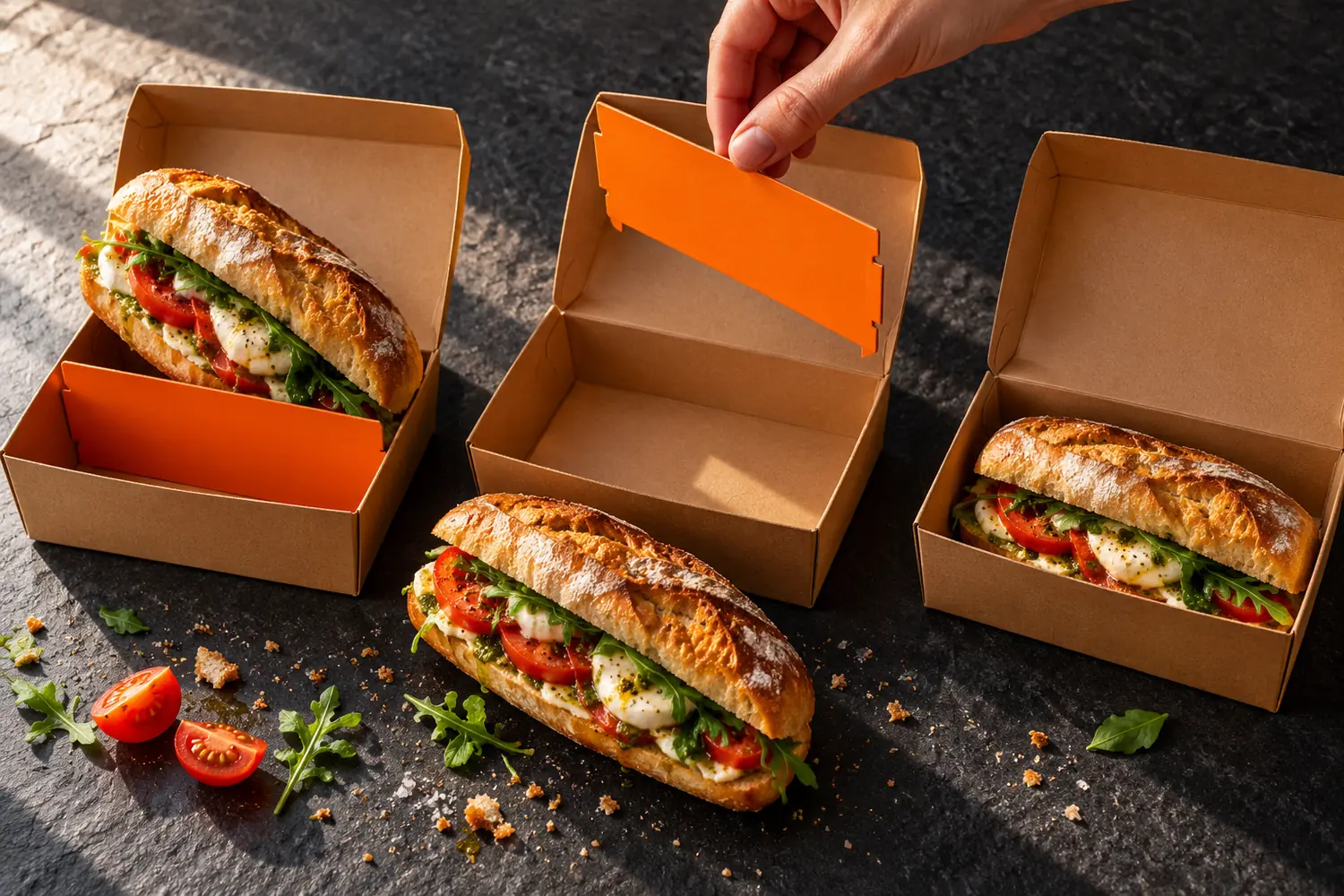
TikTok's creative guidance recommends introducing the value proposition in the first three seconds. For this draft, open on the sandwich fitting flat with the divider beside the box, then show how removing it makes that possible. Try the timing during rehearsal, without assuming it guarantees attention.
Leave room for disclosures and truthful demonstrations
If an endorser has a material relationship with the brand, plan the disclosure while writing the script. The FTC's influencer guidance says the disclosure belongs in the video itself; the description alone is insufficient.
For this version, suppose Aurelio is a paid creator. Put spoken and visible "Paid ad for Pebblepuff" in the opening for campaign review. Rehearse the disclosure while showing the fit, leaving the product benefit visible from the start.
Write the claim boundary in the production notes: "Show fit and organization. Keep soup out of every shot; this example has no evidence of leak protection." That instruction gives the person styling the snacks a clear limit before the camera rolls.
Build a beat sheet before writing a monologue
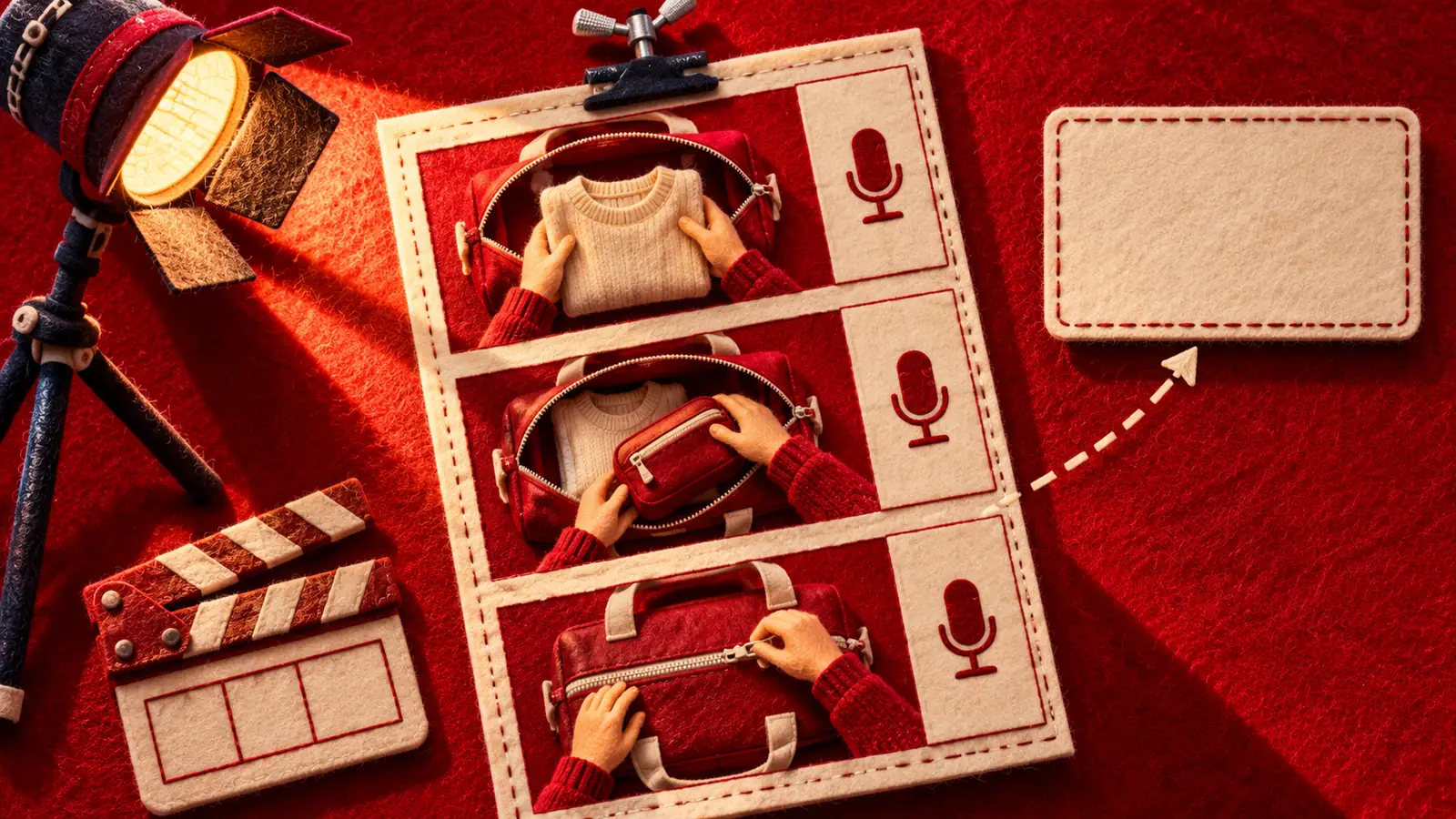
A beat sheet pairs each shot with what the audience hears and reads. Give Aurelio enough detail to choose the camera position and gather the props without guessing what the claim means.
"Introduce brand" is vague. "Hand removes divider while the Pebblepuff name is visible on the box" is something Aurelio can film.
The twenty-second plan below is an editorial estimate. Time it with the actual hand movements before deciding the final length.
| Time | What the camera shows | Spoken line | On-screen text |
|---|---|---|---|
| 0 to 3 seconds | Close-up: sandwich lies flat in the Pebblepuff box; removed divider rests beside it. | "Paid ad for Pebblepuff." | Paid ad for Pebblepuff; Divider out. Sandwich fits. |
| 3 to 6 seconds | Hand lifts the sandwich, returns the divider and shows the same sandwich blocked above it. | "With the divider in, it won't fit flat." | Divider in: sandwich won't fit flat |
| 6 to 10 seconds | Hand lifts out the divider and places the same sandwich flat in the box. | "Lift it out. Now it fits." | Removable divider |
| 10 to 15 seconds | Cut to the same box with divider returned and dry snacks on each side. | "Put it back when you want separate spaces." | One box. Two layouts. |
| 15 to 20 seconds | Product held still beside its removable divider; action text stays visible. | "See the dimensions and layouts before you choose." | See sizes and layouts |
The first rehearsal may need more time for placing the sandwich. Shorten the voice-over or adjust a beat so viewers can follow the action at normal speed.
Aurelio writes the actual take length next to each estimate. Those notes let the editor see which timings came from rehearsal.
Approve a beat before locking the edit
- Check the action against the product
- Rehearse the movement at normal speed
- Time the proposed words over the take
- Inspect the text in the placement preview
Write lines a person can say
Read the dialogue aloud while handling the product. Aurelio can say "The divider comes out" during the lift without having to explain the whole design history.
Try saying "Our modular interior accommodates diverse meal configurations" as you lift the divider. If the hand finishes long before the line does, cut the wording back to the movement: "The divider comes out."
Record a phone rehearsal and listen for wording he changes naturally. If you keep a change, put it back into the script for review so the approved copy matches the take.
A line made speakable
Brochure voice
Experience customizable compartmentalization designed to accommodate a wide variety of delicious meal possibilities.
A line matched to the shot
Taking a sandwich? Lift the divider out.
Read the proposed line while removing the divider, then time the rehearsal.
If Aurelio improvises "This fixed my lunch routine," pause the take. That line needs to describe his real experience; "Here's how the divider works" can accompany the demonstration.
Separate captions from emphasis text
Spoken-word captions carry the dialogue. An emphasis overlay can identify a feature while the picture shows it moving. Plan their positions together so both remain readable.
For the lift, try the short overlay "Removable divider" and inspect it alongside the full captions. If the words cover Aurelio's hand or the part coming loose, move or remove the overlay.
Adding "The ultimate lunch upgrade for every busy day" would bring in a second message and take space from the product.
Decide what belongs on screen
Picture
- Keep the divider visible while the hand lifts it.
Captions
- Check the transcription against the approved spoken take.
Emphasis text
- Remove an overlay if it covers the detail viewers need to inspect.
Check the actual TikTok format
Before export, confirm the format you're producing. TikTok distinguishes Spark post captions, pulled from the organic post, from Non-Spark caption behavior. The platform's caption field is separate from the spoken-word captions you checked during the edit.
Check the current documentation for the selected placement. For Aurelio's handoff, record the chosen format beside the export name so the person setting up the ad can match the file to its intended placement.
Use its matching safe-zone template and placement preview. The clear area depends on the format and elements such as caption length, so inspect the actual edit with its own text.
TikTok's performance guidance recommends vertical 9:16 creative. For this exercise, frame the hands and divider within that canvas, then check acceptance requirements for the campaign you're making.
Watch the export on a phone with sound, then without it. Aurelio's production notes should record any detail that becomes obscured by the interface.
Make the close answer the next question
After watching the layouts change, a viewer may want to compare dimensions. "See sizes and layouts" leads to the next useful inspection, provided the destination page contains that information.
"Buy now before it's too late" adds urgency the video hasn't earned. Choose a close that follows from the demonstration.
Give the closing frame a duration and a text position in the beat sheet. Hold the product steady while the action remains readable; time the hold in rehearsal.
Google's video guidance also recommends a relevant action and adapting the execution for Shorts. Review each destination's presentation before reusing this edit elsewhere.
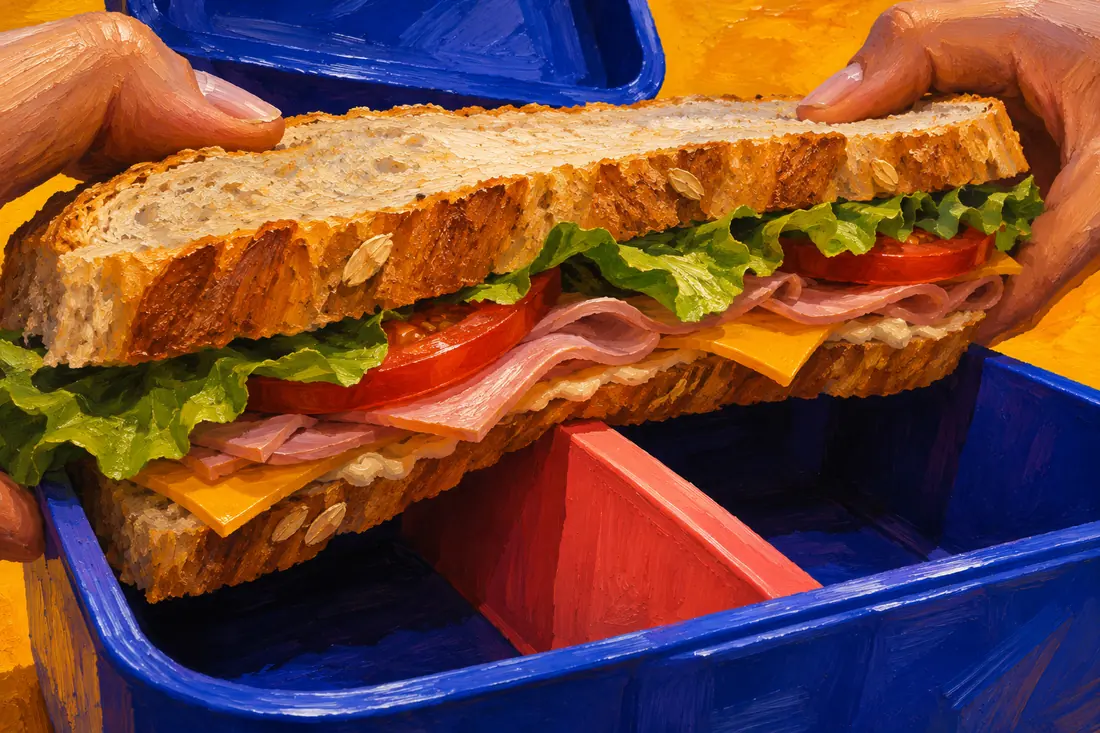

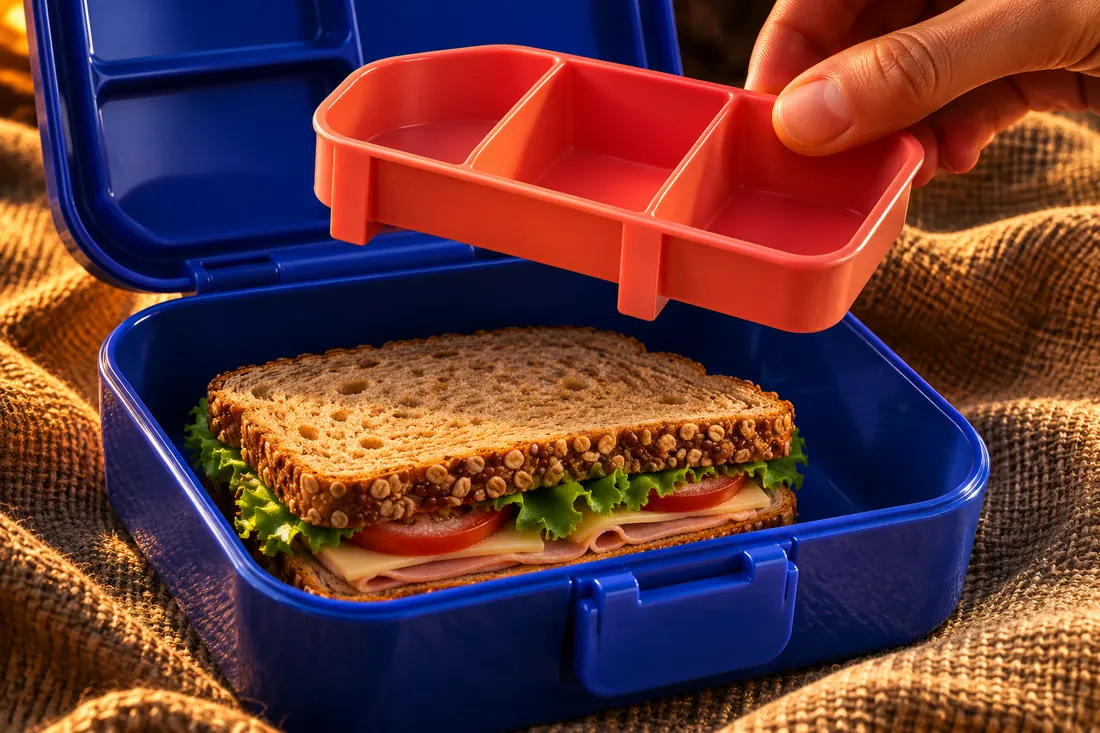

Mark the camera position on the beat sheet after checking the second take.
The first rehearsal hides the feature
During rehearsal, Aurelio's hand covers the divider as he lifts it. Move the camera toward the side and record another take. Compare the two at normal speed before choosing the clearer view.
The revised camera angle keeps the divider visible during the lift.
Use paid-feed ad hooks to work on the opening, and the pain-and-desire angle matrix to check the promise before filming variations.
Produce useful variations
Once the middle demonstration is settled, Aurelio could record an alternate opening with the divider already moving: "Taking a sandwich? Lift the divider out." Keep the paid-ad disclosure visible and spoken in this version too, and rehearse the timing again.
Keep the rest of the edit consistent if the opening is what you want to investigate. Record which version uses which take so the editor can reproduce the comparison.
Notes for the shoot
Do
- Film the whole divider movement without hiding a step.
- Capture a still close with enough time to read the action.
- Record alternate openings against the same demonstration.
Avoid
- Let an improvised line introduce a claim that has not been reviewed.
- Use speed changes to conceal how the product works.
- Leave an accepted dialogue change out of the revised script.
Define the viewing metric and the business action you'll examine. A longer view alone doesn't show that people want the lunchbox. The A/B testing lesson explains the controls needed before attributing a result to the change.
Set up the first shot
Keep the sheet with the rehearsal and alternate opening in your Advertising work. Hand the files to someone else and ask them to set up the first shot. If they need to ask which sandwich to bring, add that detail to the prop notes.
Aurelio sets the phone at the revised side angle and presses Record. "Paid ad for Pebblepuff." The sandwich lies flat in the box, with the removed divider beside it; his next take will show the movement that makes it fit.
Read next
Lesson 3 of 6 in Advertising
Sources & further reading
- Creative best practices for performance ads
- TikTok Auction In-Feed Ads
- Disclosures 101 for Social Media Influencers
- About the ABCDs of effective video ads