Ecommerce
Product Page Headlines, Titles and Subheadings
A product title identifies the item and the attributes that distinguish it from nearby alternatives. Use the supporting line to add a reason to consider it, and keep variant labels clear. Apply consistent naming rules across the catalog, checking that listings, page selections, and shopping feeds describe the same offer.
By the end of this lesson
Create a consistent naming rule and draft a product title, supporting benefit line, variant labels, and feed title without keyword stuffing.

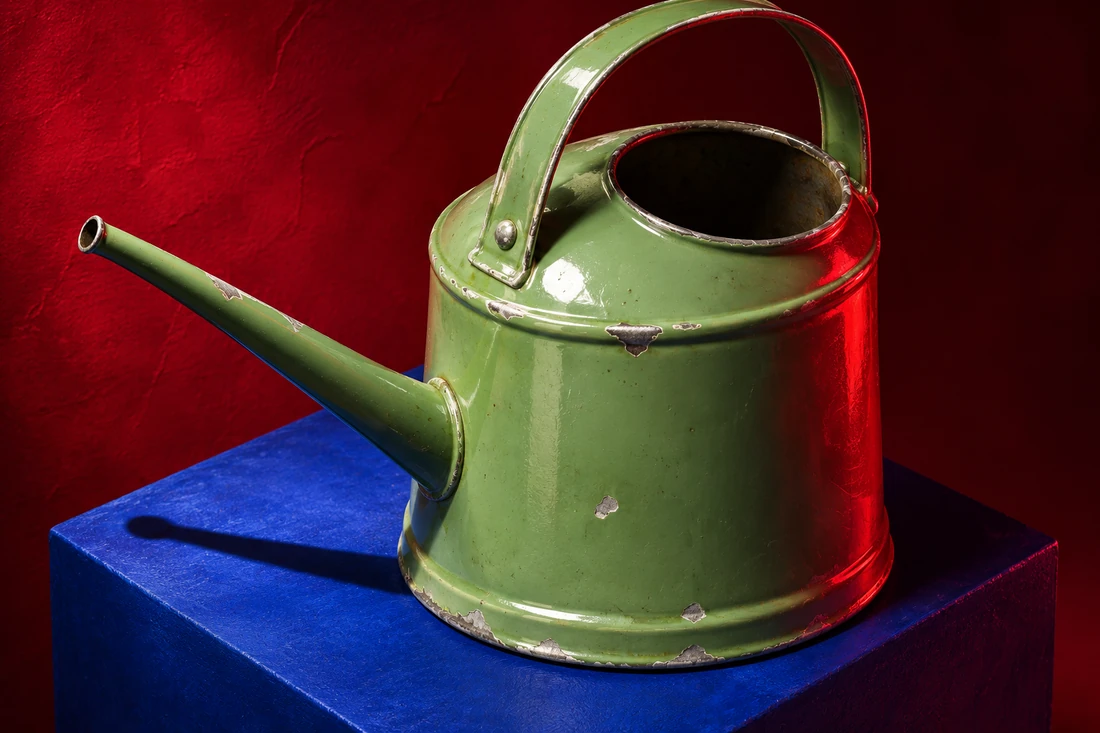
The third card on Corin's phone stops at "Marlow for Gree..." Above it sits a sage-green watering can. The title has run out of room before saying what the item is.
Corin is an invented catalog editor at Fernspindle Garden; the store and its Marlow watering cans are invented too. In the stockroom, Corin has two capacities to name for the same grid: one liter and two liters.
Keep that small card in mind as you work on your own titles. Enough of the name must remain visible for someone to recognize the product and choose between its siblings. The supporting line has room to explain more once they open it.
Separate the jobs before writing the lines
Corin opens the product record and gives each detail a home. The title will identify the can and its capacity. A supporting line will explain the narrow spout, while a labeled color selector will carry Sage and Cream.
A hypothetical naming system for Marlow
- Product title: Indoor Watering Can, 1 Liter, Marlow
- Supporting line: A narrow spout for directing water into small pots.
- Variant selector: Color, Sage or Cream
- Section headings: Capacity & Dimensions / Materials & Care / Delivery & Returns
Try the same separation in your working document. Give the title its own field and place the supporting line beneath it. Keep selectable options in their own fields so someone can tell which words name the product and which words describe the current choice.
A new color then belongs with the options. A campaign sentence can change in the supporting space while the product keeps the name someone will recognize in their cart.
Read the title and supporting line together. If both give the capacity, use the second line for a feature or restriction. If the title contains a slogan and the supporting line finally identifies the item, move the identification up.
Section headings have another job: help someone find an answer after scanning past it. Reserve plain labels such as "Materials & Care" for those sections. That leaves the product title free to describe the thing being sold.
Where should the product type go?
For Corin's unfamiliar model, put "Indoor Watering Can" early enough to survive the narrow card. Then inspect where the capacity lands. A title order that looks comfortable on the full page still needs to work in the grid where the choice begins.
Baymard's category-page guidance favors recognizable product-category language, and the same habit works for titles. If your menu says "Watering Cans," keep that term as someone enters the grid, so they can recognize the category they selected.
A known model name can go earlier when buyers arrive looking for it. Write down why you've chosen that order and preview it in the actual layout. Let the product and its likely questions guide the decision for each category.
Compare two possible beginnings for Marlow: "Marlow for Greener Days" and "Indoor Watering Can." The first leaves the product unnamed. The second gives Corin an opening to build on, with room afterward for capacity and the collection name.



Keep the product identifier in the working record.
A catalog handoff after renaming
Send the catalog owner the previous title and its replacement, tied to the same product identifier. Ask them to check the feed export for retired wording and keep a search alias where someone might still type the earlier name.
A title change needs to reach the systems that show the same product to customers.
Choose attributes that change the choice
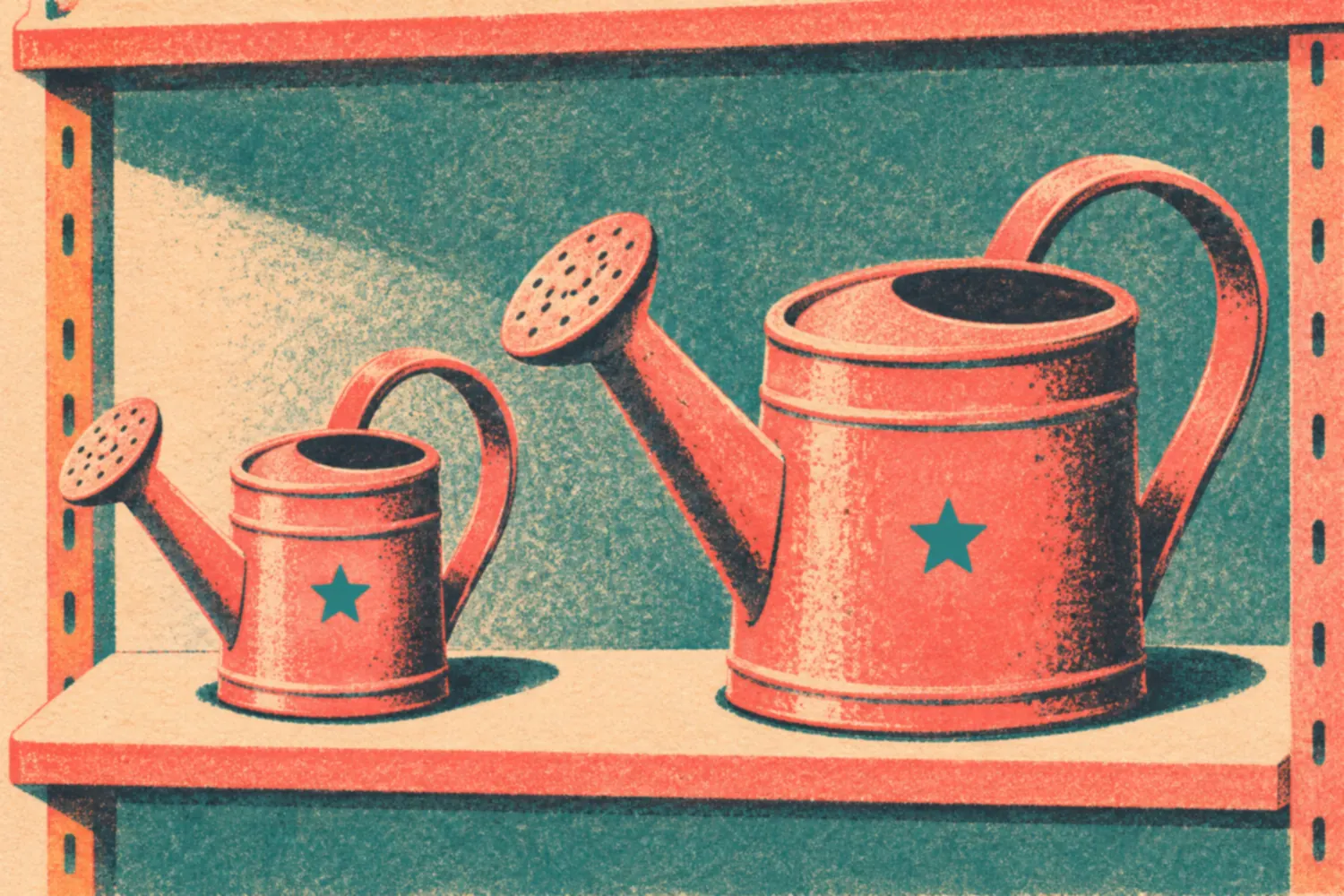
For Marlow's sibling models, capacity separates products whose photographs could look similar. Corin places it before the collection name and writes both titles with the same unit style. That lets someone compare the difference in the same position on each card.
Write your proposed naming rule using real fields from your own product record. For this exercise, it reads "Product type, capacity, model."
Apply it to the sibling item immediately. If the rule breaks on the second title, revise it before naming the rest of the range.
Use "1 Liter" and "2 Liters" consistently. Mixing "1L" with "large" makes the buyer work out whether the labels describe comparable measurements. Keep shorthand out of the title unless your audience can use it and your catalog applies it consistently.
Choose different attributes when the buying question changes. A replacement part may need its compatibility code early, and bedding may need dimensions or set contents before the collection name.
For any range, ask which fact would make someone choose the neighboring item. That fact belongs in the title.
Keep a title from becoming a miniature specification sheet. Put the attributes needed for the comparison in the title, then give the remaining facts clear homes on the page. A color selector can carry color when the surrounding context already makes that choice clear.
Make the supporting line add information
Corin's title now carries the product type and capacity. The supporting line can explain how the narrow spout helps someone direct water into small pots. Read it against the product record before deciding that the design supports the claim.
Hypothetical supporting lines, with the claim explained
Function
A narrow spout for directing water into small plant pots.
Connects a physical detail with an intended use; verify the design supports it.
A use limit
For indoor use.
Adds a placement restriction when capacity is already clear in the title.
A line to reject
Perfectly watered plants, every time.
The can does not control how much water a plant needs or how the owner uses it.
Write the line around one concrete detail. "A narrow spout for directing water into small plant pots" gives the reader something to weigh. "Made for Your Moments" leaves the reader to supply almost the entire meaning.
Check the strength of your promise too. A watering can gives its owner a way to pour water; the owner still decides how much each plant needs. Remove a sentence promising perfectly watered plants every time unless you can support that outcome.
If the record contains a use restriction, give it a visible place. "For indoor use" may answer a more immediate question than a decorative sentence about the collection. The line should help someone decide whether the item suits their intended use.
Keep the longer explanation for the product-description lesson. Preview the short line beside the selected option so a restriction such as "For indoor use" remains visible while someone considers buying.
Keep on-page titles and shopping-feed titles aligned
Google's Merchant Center guidance requires relevant titles that identify the linked product and distinguish variants. It gives title content a range of 1 to 150 characters and excludes promotional material such as shipping offers. Treat that range as a feed requirement when preparing the export.
It gives you no length target for the page H1 or HTML title element. Review each of those in its own setting. For a product card, the real question is which words remain visible when the layout shortens the title.
Corin drafts "Fernspindle Marlow Indoor Watering Can, 1 Liter, Sage" for the sage option's feed title. The product page can arrange those words differently. Check that it opens with Sage visibly selected and shows the same capacity and price as the listing.
Google's feed documentation also says titles written with generative AI use the structured_title attribute, with its digital_source_type sub-attribute set to trained_algorithmic_media. Include that value when preparing an AI-written title for the feed.
After the rename, inspect an exported record alongside the landing page. Compare the selected color and availability as well as the wording. If the listing describes Sage and the page opens on Cream, give the catalog owner that specific mismatch to correct.
Keep promotional offers in their proper fields. A shipping message added for a campaign shouldn't become part of the product's name in the feed.
Write section headings for retrieval
Corin uses "Capacity & Dimensions" above the measurements and "Materials & Care" above the corresponding product facts. The larger can's page will use the same labels. Someone comparing the two can return to the same question in the same place.
Nielsen Norman Group's product-description research supports presenting comparable information consistently. Apply that guidance to the fields inside each section too. A heading labeled "Dimensions" works better when the measurements beneath it use matching labels and units across the range.
Check that each heading promises what the section actually contains. A materials list belongs under "Materials." If you want to promise durability evidence in the heading, ask the product team for the evidence the section will need to deliver.
Hypothetical title choices
Hard to identify
Marlow | The Beautiful Must-Have for Every Plant Lover
Distinctive and understandable
Indoor Watering Can, 1 Liter, Marlow
For this comparison grid, put the product type and capacity before the model name.
Read the headings alone, then open the sections they introduce. Could someone looking for capacity find it without interpreting a campaign phrase? Use the ordinary term your reader would look for, and leave expressive sentences room in the description.
Review names in their smallest and messiest contexts
Open the mobile grid with both sibling products visible. Then check saved items and search results, where titles may also be shortened. Move a distinguishing attribute earlier if both products end up looking like the same choice.
Follow one selection into the cart and order email, and confirm that the product type and capacity still identify what was ordered. Check both screens for the retired wording.
Use store-wide copywriting to settle shared category vocabulary. The product-page guide helps you place the supporting line and option labels where someone can use them without crowding the title.
If you test the wording with shoppers, give them a specific task, such as finding the one-liter can. Record which capacity they choose and any confusion they describe. A click count alone won't tell you whether they recognized the difference between the two products.
Name two sibling products consistently
Save the naming rule beside both product records, with the two finished titles and a feed example. For your chosen Ecommerce range, note which attributes change as options and which belong to the name.
Ask the next editor to apply the rule to a sibling product before closing the task. If they need to invent an exception, add the reason to the record and inspect its title in the same preview. Keep the rule usable for the next addition to the range.
Back in the stockroom, Corin reloads the phone preview and covers the third card's photograph with a thumb. The visible title reads "Indoor Watering Can, 1 Liter..." On the next card, the matching words end with "2 Liters."
Read next

Lesson 5 of 8 in Ecommerce
Sources & further reading
- Title [title] and structured title [structured_title]
- 3 Tips for Better Product Descriptions on Websites
- Ecommerce Category Pages: Definition, Usage, & Design Tips