Ecommerce
Ecommerce Product Page Copy Checklist
Audit a product page against the exact offer and its source records. Check identity and fit first, then compare claims, proof, and buying terms with what the shopper will understand. Prioritize errors that could cause a wrong purchase and turn findings into specific correction tickets with evidence, owners, and acceptance checks.
By the end of this lesson
Audit one product page, prioritize material copy problems, and produce a correction list with evidence, owners, and acceptance checks.
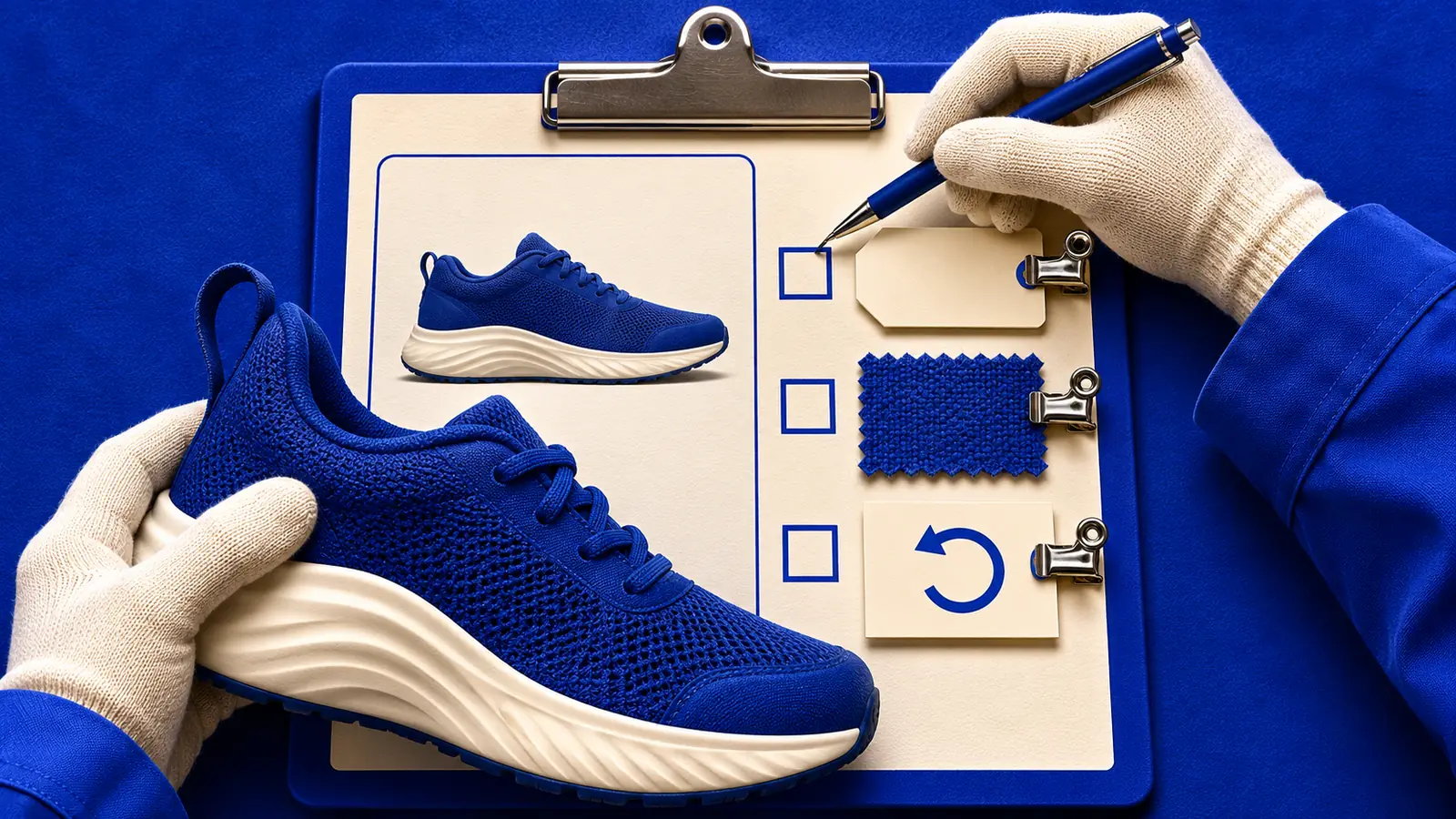
Your cursor pauses over "Made in USA." The page looks ready to publish, but you haven't seen the sourcing record for this item. Would you approve those words?
In 2020, the US Federal Trade Commission alleged that Williams-Sonoma had made false, misleading or unsubstantiated US-origin claims. The words promised a domestic origin that, according to the complaint, the products did not support.
The FTC's complaint covered Goldtouch Bakeware and Rejuvenation products, along with certain Pottery Barn Teen and Pottery Barn Kids upholstered furniture. Its consumer alert described the products this way:
were wholly imported, or contained significant imported materials or components.
On July 16, 2020, the FTC approved a final consent order settling those allegations and requiring a $1 million payment. The order barred unqualified US-origin claims unless all or virtually all components were made and sourced in the US.
That outcome gives the audit a concrete question: does the evidence cover the full origin claim? For your own page, keep the selected item beside its sourcing record; a document for a similar product leaves that question unanswered.
The audit below turns that hesitation into a correction someone can make and check, with a named owner and evidence for each finding.
Prepare one page and its evidence
Open the page you're about to approve and choose an option, just as a shopper would. Write down the selected variant and the country you're shopping from. Save a dated copy so you can show someone exactly what you saw.
Now open the current product record beside it. Gather the care sheet and buying terms too. If an ad or shopping listing brings people to this offer, keep that wording nearby for comparison.
Start a simple audit sheet with room for the page wording and its source. Give each check a status: Pass, Fix, Verify or Not applicable. "Verify" means you need an answer from someone who owns the information; add that person's name.
Try the page at phone width before you begin. Check whether the selected option and the words beside the price remain visible. If a panel collapses, open it and see whether its label tells you what you'll find.
Baymard's public product-page overview discusses questions such as unit pricing and returns. The checklists below are our editorial way of inspecting those details. A completed sheet records what you've checked; it doesn't predict sales or certify compliance.
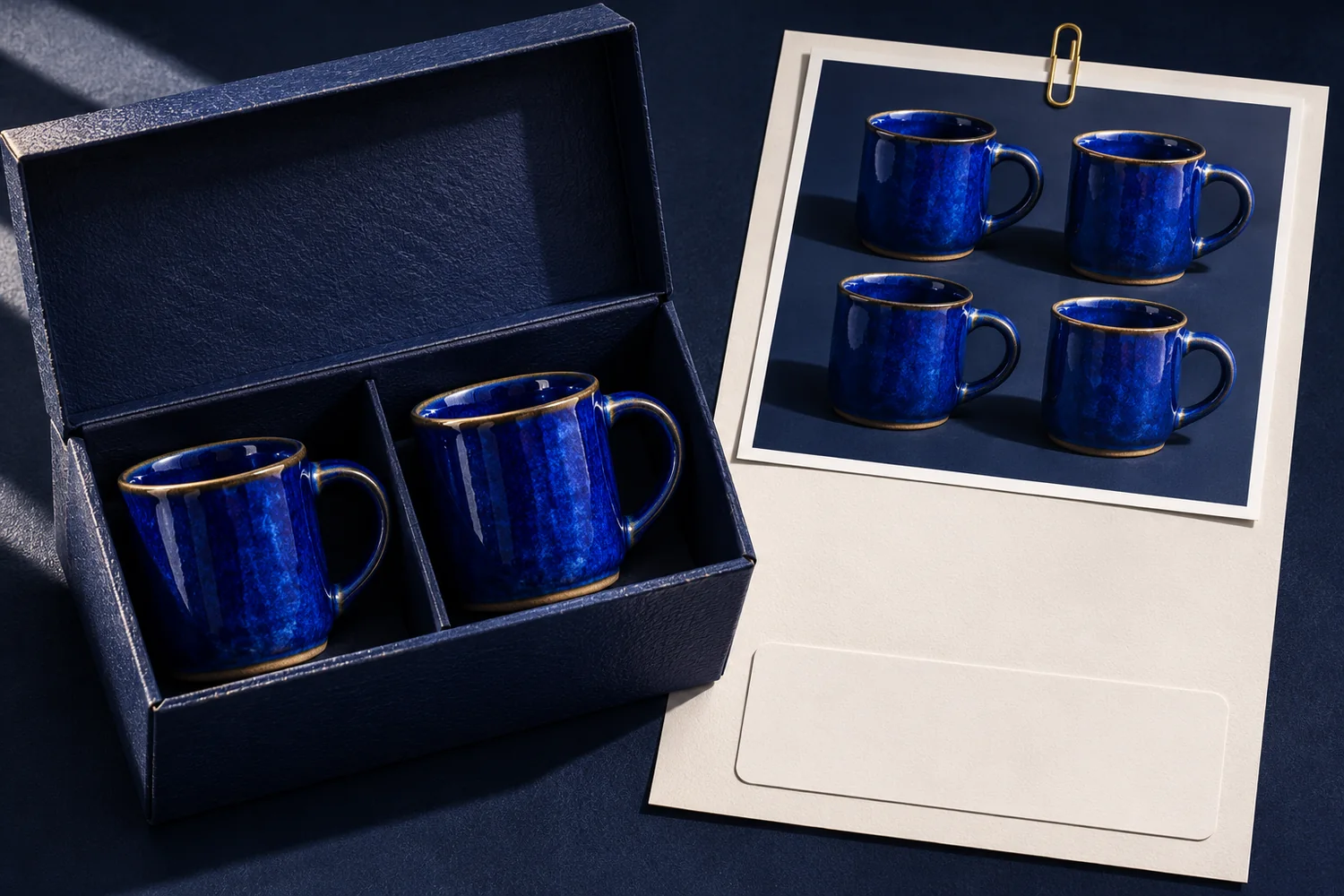
For the worked exercise, we'll use an invented Oatpebble Ceramics offer: a $32 pair of blue mugs, photographed in a group of four. Its care sheet says hand wash, while the page says dishwasher safe. Keep both discrepancies on your sheet as you go.
Check identity, selection, and fit first
Cover the photos and read the title and buying area. Can you say what will arrive and how many you get for the displayed price? Uncover the pictures and check whether they leave you with the same answer.
Print audit A: identity and fit
- The title identifies the product category.
- The price has an explicit quantity and contents list.
- Changing a variant updates the selected offer.
- Dimensions state units and what was measured.
- Compatibility requirements and use limits are reachable.
- Comparable products use consistent specification fields.
On the mug page, four mugs in a photograph could leave someone expecting four in the parcel. Find the quantity in the product record, then look for it beside the price. If you have to hunt through a description to discover that it's a pair, mark Fix.
Write a correction you could paste into the right field: "Two blue mugs included. $32 per pair."
Give that correction a visible home beside the purchase control. Attach the price and quantity evidence so the editor receiving the ticket can confirm both.
The styled photograph needs its own decision. Ask the image owner whether the composition can be made clearer or needs a visible explanation. Include the image in the ticket so the editor can judge the whole offer a shopper sees.
Next, change the selected option. Watch the price and contents description as the image changes. Record any field that still describes the option you started with.
For dimensions, ask what was measured. "Height: 10 cm" needs to refer to the mug itself if that's the measurement in the record. Keep capacity separate so someone choosing a mug can find the information they need without decoding a string of numbers.
Google's Merchant Center guidance says listing titles should describe the linked product and distinguish variants. Compare your incoming listing with the page's selected offer. The full page-structure lesson can help you find a better home for a fact that's getting lost.
Do the claims match the source record?
Apply the same comparison to every material promise on your page. Keep the complete claim beside the evidence for the exact item, including any limits on what that evidence establishes.
For each claim, copy the complete sentence into your sheet. Beside it, name the document that supports it and check which product that document covers. If you can't establish the connection, mark Verify and send a focused question to the person responsible.
Ask, "Which record supports this mug's origin claim?" That gives the owner something definite to answer. A request to "check the copy" leaves them guessing about the concern, and you still won't know whether the sentence is ready.
Print audit B: description and evidence
- Every origin claim has evidence for this exact item.
- Material and care claims agree with the current product record.
- Performance claims stay within the scope of the test evidence.
- A visible qualification preserves the meaning of the headline claim.
- Photos and specifications describe the same offer.
- Necessary details remain reachable on a phone.
Read claims at the strength the page gives them. A record describing hand glazing supports a claim about that process; inspect the rest of the production record before calling the whole mug handmade. A test report also needs to cover the performance you're promising.
The FTC's US advertising guidance addresses evidence for claims and material omissions. If a necessary qualification changes how someone should understand the offer, read it alongside the main claim. Check that a shopper can find it before acting on the promise.
Now return to the mug's care conflict. Copy "dishwasher safe" from the page and "hand wash" from the care sheet into the same finding. Ask the product owner to confirm the current instruction, then use that approved wording everywhere the care claim appears.
Search the description and specification fields for both versions. Include any affected feed field in the correction. The description-writing method helps when the surrounding paragraph needs rebuilding from the confirmed facts.
Replacing one sentence while leaving the opposite instruction in an accordion keeps the original problem alive. Include every affected location in the care ticket's acceptance check.
Inspect proof and buying terms together
Open the review section and check which product the reviews describe. If several variants share a rating, look for an explanation of the group. Save the relevant label with your finding so someone else can see what a shopper was told.
Read an excerpt against the full review. Check that the shortened version preserves the reviewer's meaning, including any condition that matters to their experience. A comment about the feel of a mug gives you no evidence for where it was made.
The FTC's review-rule Q&A explains that fake reviews and some suppression practices can violate the rule. If you find a questionable practice, record what you observed and refer it to the responsible team. Keep the finding specific enough for them to investigate.
Print audit C: proof and purchase
- Review counts belong to the identified product or explained group.
- Excerpts preserve meaning and critical accounts remain accessible.
- Reviewer incentives or relationships are disclosed as required.
- The price matches the selected variant and quantity.
- Delivery estimates distinguish dispatch from arrival.
- Return summaries agree with eligibility and cost conditions.
- The purchase control describes the action it performs.
Next, read the delivery summary as someone trying to have the mugs arrive for a particular day. Does "ships" describe the day the parcel leaves, or does the page give an arrival estimate? Compare the wording with the delivery policy and record any difference.
Do the same with returns. If a short reassurance leaves out a cost or eligibility condition, copy the relevant policy wording into your finding. Use the shipping and guarantee guide to work through the summary against its full terms.
Keep purchase questions tied to the selected offer. A clear delivery statement for an in-stock color won't settle the question for a different option awaiting stock. Change the selection again and read the summary before you mark it checked.
Turn each finding into a testable correction
A finished ticket for the mug quantity holds three things:
- Owner: the product-content editor.
- Evidence: the approved two-mug record and a screenshot of the buying area.
- Change: the quantity field beside the price reads "Two blue mugs included. $32 per pair."
The same ticket carries its own acceptance check. Select the blue pair, confirm the new line beside the price, and add it to the cart. The ticket closes when the cart also says a pair.
Keep the care conflict in a separate ticket. It depends on a different source record and may need a different owner. Someone checking the quantity should be able to close that task without implying that the care question has also been settled.
Which corrections come first
- False or materially misleading claims, and mistakes that could cause a wrong purchase
- Missing information that blocks a decision
- Effort and style problems




Keep the original evidence with the corrected version.
Keep evidence that another reviewer can inspect
Attach the dated product record and screenshots of the affected fields. After the edit, capture the selected offer beside its cart entry so a reviewer can compare quantities. For care claims, include the approved instruction and each location that required correction.
Use separate evidence for quantity and care findings so each ticket can be checked.
Use the priority order above to decide what needs attention before publication. An ambiguous quantity deserves action even if the rest of the page reads beautifully. A missing record for a material claim stays open until the owner resolves it.
Avoid turning your checklist into an average score. Give each material finding its own decision and due date. You want to see the unresolved care instruction directly, without having to discover it inside an otherwise reassuring percentage.
If a finding involves a cart label or confirmation, use UX microcopy to write the replacement. Name that field and its owner in the ticket so the correction reaches the person who can make it.
Audit one live offer
Choose one live offer from your Ecommerce work and check it with the source records open. Keep your sheet printable by leaving space beneath each finding for the owner and acceptance check. Attach evidence where another reviewer can open it.
Audit one live offer
Gather
Select a variant on one live product page and gather its source records.
Check
Work through the three checklists against that exact offer.
Write tickets
Write correction tickets for the material problems you find, with the evidence needed to close each one.
Close
Run each ticket's acceptance check and attach the corrected view before closing it.
Before you hand over the audit, read each ticket as though you were receiving it cold. Could you find the affected field and tell what evidence would close the question? Replace vague requests such as "improve clarity" with the exact correction you need checked.
To finish the invented mug audit, suppose the product owner confirms that the care sheet is current. The editor replaces "dishwasher safe" with "Hand wash" in the description, care panel and affected feed field, then saves the corrected views with the confirmation.
The quantity ticket closes with a pair shown beside $32 and in the cart. The care ticket closes with the same instruction in every affected field, so the next reviewer can see both corrections and the evidence behind them.
Read next

Lesson 8 of 8 in Ecommerce
Explore learning paths after Ecommerce Product Page Copy ChecklistSources & further reading
- Product Page UX 2026: 10 Pitfalls and Best Practices
- Title [title] and structured title [structured_title]
- The Consumer Reviews and Testimonials Rule: Questions and Answers
- Advertising FAQ's: A Guide for Small Business
- FTC Approves Final Order Settling Charges that Williams-Sonoma Made Overly Broad and Misleading Made in USA Claims
- Williams-Sonoma Made in USA (consumer alert)